In short: This guide explains what IPTV is and how to watch Canadian and US channels with it. It compares devices such as Android boxes and Fire Sticks, shows how to get your service running and how to avoid the common downsides.
iptv setup and devices is the whole process of getting internet-delivered TV channels — Canadian, American, sports, news, the works — running on a box, stick, or app in your living room instead of paying for cable. I've set up IPTV for my own place three times now (once on a cheap Android box that gave up after eight months, twice with better hardware), and the difference between a smooth setup and a frustrating one almost always comes down to the device you pick, not the service itself.
| Device | Price (CAD) | RAM/Storage | Best For |
|---|---|---|---|
| Fire TV Stick 4K Max | $70 | 2GB/8GB | Budget setups, easy sideloading |
| NVIDIA Shield TV Pro | $260 | 3GB/16GB | Power users, multiple IPTV apps at once |
| Formuler Z11 Pro | $230 | 4GB/32GB | Dedicated IPTV boxes with remote EPG |
| Generic Android box (X96Q) | $45 | 2GB/16GB | Tightest budgets, expect slower apps |
| Fire TV Stick 4K | $55 | 2GB/8GB | Casual viewers, one main IPTV app |
What Even Is IPTV, Anyway? (And Why Canadians Care)
IPTV stands for Internet Protocol Television, which is a fancy way of saying your channels come through your Wi-Fi instead of a coax cable or satellite dish. Instead of Bell or Rogers sending signals down a wire, an IPTV provider streams the same content as a video file over the internet, and an app on your device decodes it. For Canadians specifically, this matters because our cable packages are expensive — I was paying $138 a month with Bell before I switched — and a lot of us live in areas where regional channels, American networks, or specific sports packages aren't easy to get otherwise. IPTV Canada services often bundle Canadian channels IPTV alongside US channels IPTV, so you can watch CBC, TSN, and Sportsnet right next to ABC, ESPN, and Fox in one guide. That's the appeal. The catch, and I'll get to this properly later, is that not every IPTV Canada provider is operating with proper licensing, so IPTV legal Canada questions are worth understanding before you hand anyone your credit card.
Picking Your IPTV Player: Android Boxes, Fire Sticks, and More
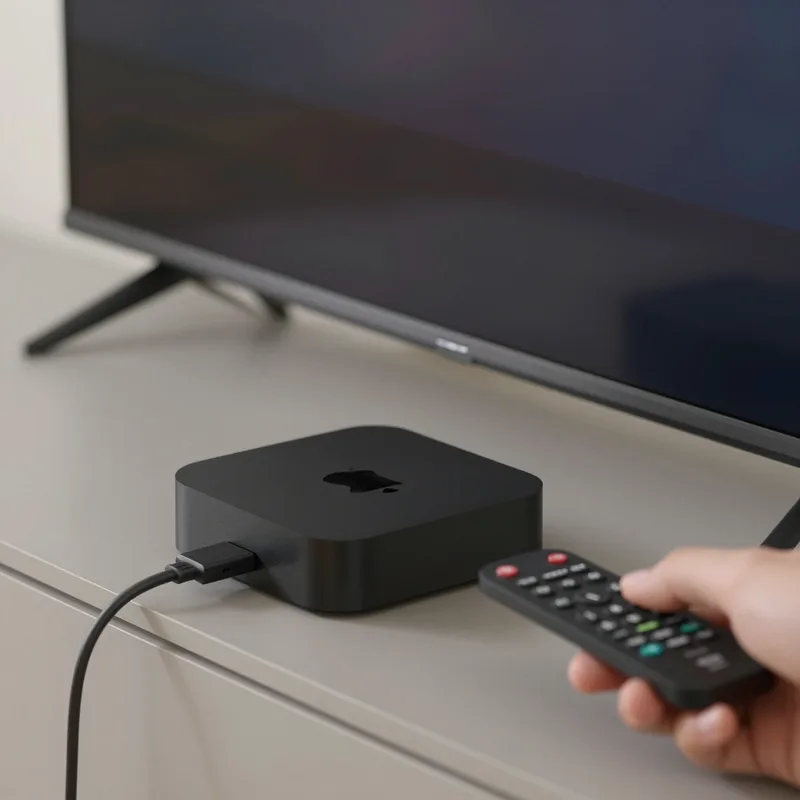
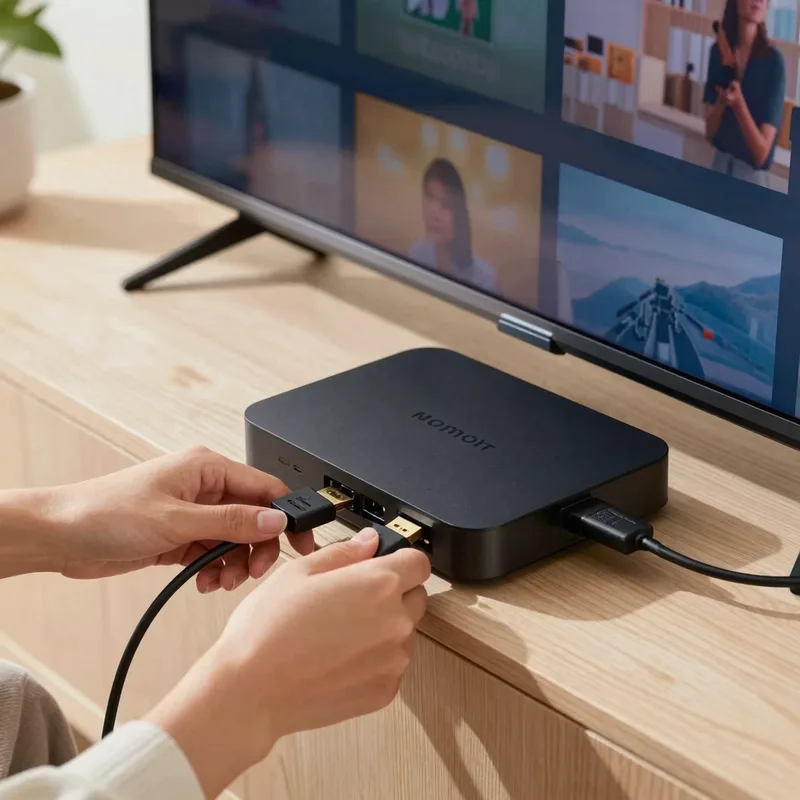
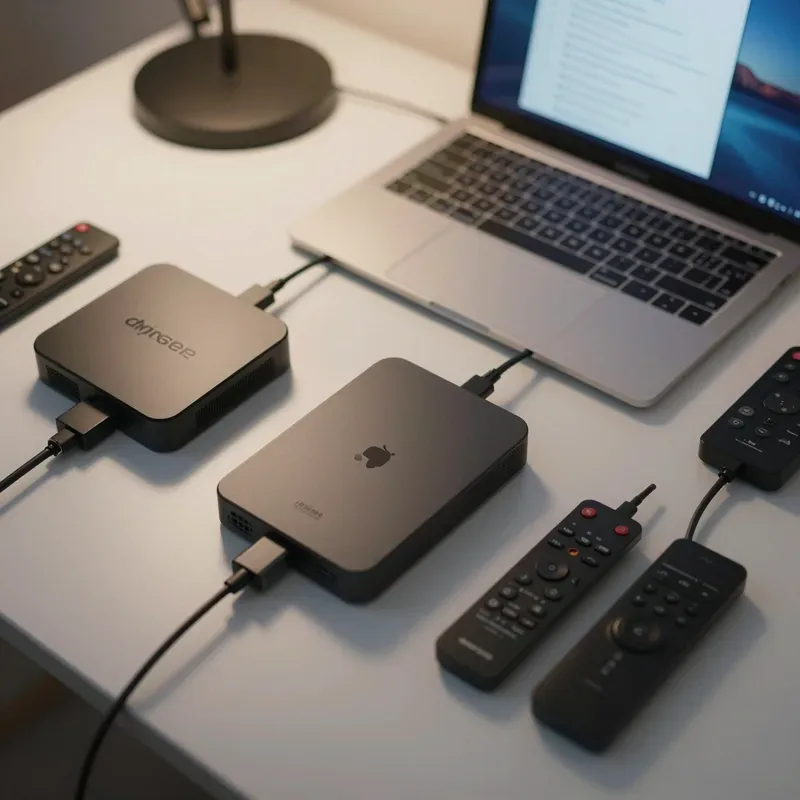
Your IPTV player is the single biggest factor in whether this whole thing feels like magic or feels like a headache. A Fire TV Stick 4K Max is the easiest entry point — cheap, widely supported, and every IPTV app runs on it, though I noticed some stutter when running EPG-heavy apps with more than 4,000 channels loaded. An Android box for IPTV, like a Formuler Z11 Pro, is built specifically for this use case and comes with a proper remote, dedicated IPTV app store, and enough processing power to handle 4K streams without choking. NVIDIA Shield TV Pro is overkill for most people but if you're running two IPTV apps side by side, or you also use it for Plex and gaming, it's worth the $260. I'd steer people away from the ultra-cheap generic Android boxes under $50 — I bought an X96Q for a spare bedroom and it overheated during a Leafs game and rebooted itself mid-second-period. Streaming devices you already own, like a smart TV's built-in apps or a Chromecast with Google TV, can technically work too, but app compatibility with IPTV Smarters Pro setup is spottier on those platforms.
Getting Your IPTV Service Up and Running (The Step-by-Step)
Once you've got the hardware sorted, the actual IPTV setup guide part is honestly the easy bit. First, sign up with your chosen provider and grab your credentials — this is usually either an M3U playlist URL or an Xtream Codes username/password/server address combo. Second, download IPTV Smarters Pro from the app store on your device (it's free, and it's the most widely supported player across Fire Stick, Android, and even iOS). Third, open the app, select "Login with Xtream Codes API" if you have those details, or "Load your playlist or file URL" if you were given an M3U link, and punch in the info exactly as given — I've lost twenty minutes to a single typo in a server URL more than once. Fourth, give it a minute to load the channel list and electronic program guide (EPG); a good provider with a few thousand channels can take 60-90 seconds on first load. Fifth, browse categories, favourite your regular channels, and check that both Canadian and American feeds are populating correctly. This whole IPTV installation process, start to finish, took me about 12 minutes on a Formuler box and closer to 20 on a budget Android stick because the app itself was slower to open.

Reality Check: The Downsides and How to Dodge Them
I'm not going to pretend this is flawless, because it isn't. Buffering during high-demand events — think Grey Cup or a UFC pay-per-view — is real, and it usually comes down to either your internet speed or the provider overselling their server capacity. I've had good luck avoiding this by paying slightly more for a "premium" server tier when providers offer one; the $2-3 difference per month is worth it. Second, the legal picture is genuinely murky. IPTV legal Canada isn't a simple yes or no — using IPTV technology itself is completely legal (Netflix and Crave use it too), but subscribing to services that redistribute channels like TSN or HBO without paying for the rights is a copyright issue, and providers like this can vanish overnight, taking your subscription money with them. I've had two services shut down without warning over the past three years. Third, ISPs in Canada have been known to throttle streaming traffic during peak hours, which is why a lot of experienced users run a VPN alongside their IPTV app — it also protects your privacy since your ISP can otherwise see exactly what kind of high-bandwidth streaming you're doing. According to CNET's ongoing IPTV service reviews, reliability varies wildly between providers even within the same month, so don't commit to a long-term plan before testing a trial period.
Beyond the Basics: Making Your IPTV Experience Truly Yours
Once the core setup is running, there's a handful of tweaks that make daily use noticeably better. Set up catch-up TV or "timeshift" if your provider supports it — this lets you rewind live channels up to 24-72 hours, which has saved me more than once after missing the start of a Jets game. Customize your EPG favourites list early; scrolling through 8,000 channels every time you want CBC gets old fast. If you've got a household with different viewing habits, check whether your subscription allows multiple simultaneous connections, since most providers cap you at one or two streams per account and charge extra for more. A VPN, as mentioned, is worth the $4-6 a month for both speed consistency and privacy — NordVPN and Private Internet Access both have Fire TV apps that install directly. For anyone building out a full setup from scratch, our step-by-step IPTV device comparison guide goes deeper into which boxes pair best with which providers, which is worth a look before you buy hardware. And per TechRadar's streaming device rankings, the gap in real-world performance between budget and mid-range boxes has actually widened over the past year as apps get heavier, so don't assume the cheapest option will "just work" the way it might have in 2021.
Do I need a VPN for IPTV in Canada?Stay Up to Date
Get the latest IPTV news, channel updates and streaming tips delivered straight to your inbox.