In short: IPTV on Apple TV means watching internet live TV and on-demand content through a player app installed on the Apple TV. This guide lists what you need, shows how to install a player step by step and what to know about IPTV services.
iptv on apple tv is the practice of watching internet-delivered live TV channels and on-demand content through a dedicated app installed on your Apple TV box, rather than through a cable or satellite decoder. For a lot of Canadian households, it's become the missing piece that finally lets them cancel a cable bill without losing their favourite channels. But "IPTV" is a broad term, and it covers everything from fully legal streaming services to sketchy subscriptions that can get you in trouble. This guide walks through what actually works on Apple TV in 2026, what to watch out for, and how to set it up properly.
| Apple TV Model | IPTV App Support | Typical Price Range (CAD) |
|---|---|---|
| Apple TV 4K (3rd gen, 2022) | Full App Store support, smooth 4K playback | $179–$229 |
| Apple TV HD (2015) | Runs most IPTV apps, capped at 1080p | $99–$150 (used/refurbished) |
| Legal IPTV subscription (Canadian provider) | N/A | $20–$65/month, typical range |
| Fire TV Stick 4K (alternative device) | Comparable app support, cheaper hardware | $55–$70 |
- Your Apple TV and IPTV: A Perfect (or Not-So-Perfect) Match?
- Getting Started: What You'll Need for IPTV on Apple TV
- Step-by-Step: Installing an IPTV Player on Your Apple TV
- Reality Check: The Truth About IPTV Services in Canada
- Beyond the Basics: Making IPTV Work for Your Household
- Final Thoughts: Is IPTV on Apple TV Right for You?
Your Apple TV and IPTV: A Perfect (or Not-So-Perfect) Match?
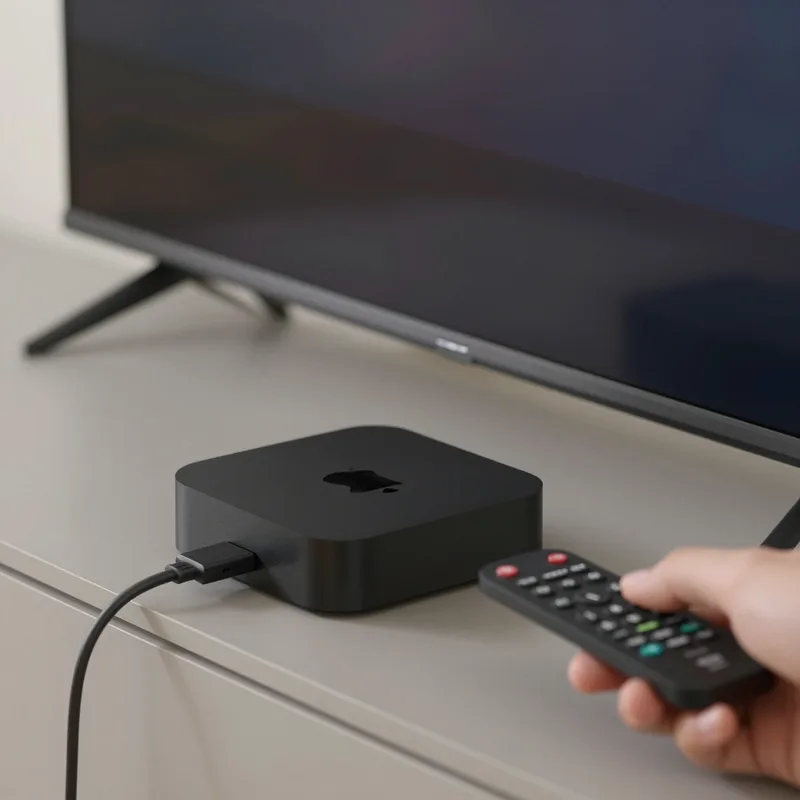
Apple TV wasn't built with IPTV in mind — it was built as a gateway to Apple's own ecosystem and the App Store's curated selection of streaming apps. That's actually good news for IPTV users, because Apple's App Store review process filters out a lot of the junk you'd find sideloaded onto an Android box. The trade-off is flexibility. Unlike Android-based streaming devices, Apple TV doesn't let you sideload apps from outside the App Store, which means shady "free everything" IPTV apps generally can't get onto your device the way they can on a jailbroken Firestick. That's a real limitation if you're hunting for the sketchier corners of IPTV, but it's a feature if you want a cleaner, safer experience. Apple TV streaming in general leans toward quality over quantity, and IPTV on this platform follows the same pattern.

Getting Started: What You'll Need for IPTV on Apple TV
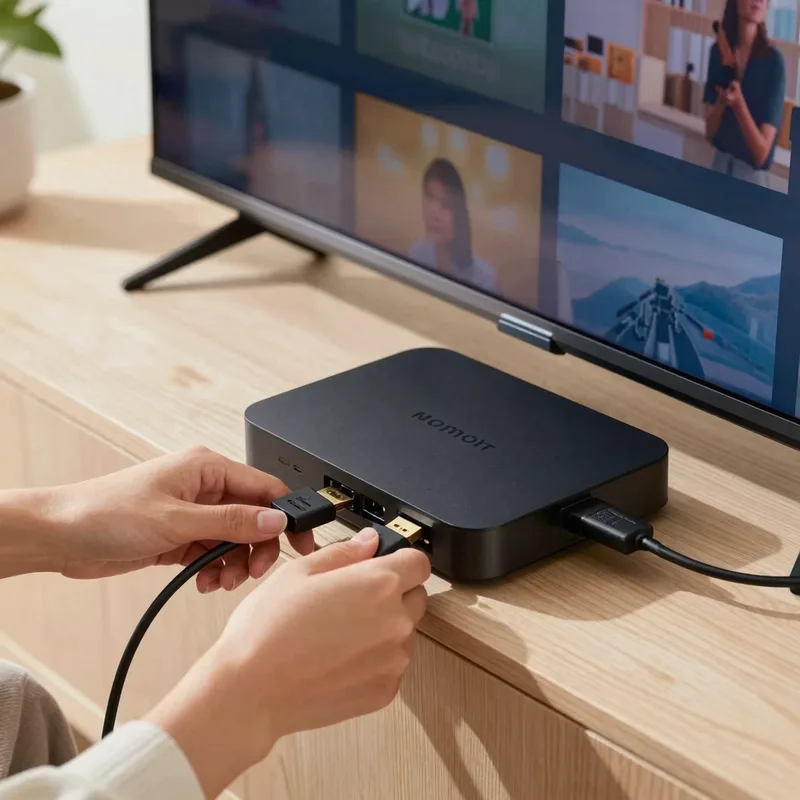
Before you install anything, get your basics sorted. You'll need an Apple TV HD or Apple TV 4K, a reliable internet connection (100 Mbps is comfortable for a household streaming in 4K, though 25–50 Mbps will handle a single HD stream fine), and a legitimate IPTV subscription from a provider that actually holds the rights to distribute the channels it offers. This last point matters more than people realize — a lot of "IPTV Canada" deals advertised online are reselling content the seller has no legal right to distribute, and that exposes you to service interruptions at best and legal risk at worst. Stick to providers with clear Canadian business registration, transparent pricing, and real customer support. If a subscription costs $10 a month and promises every premium sports package and pay-per-view event on earth, that's your signal to walk away.
Step-by-Step: Installing an IPTV Player on Your Apple TV
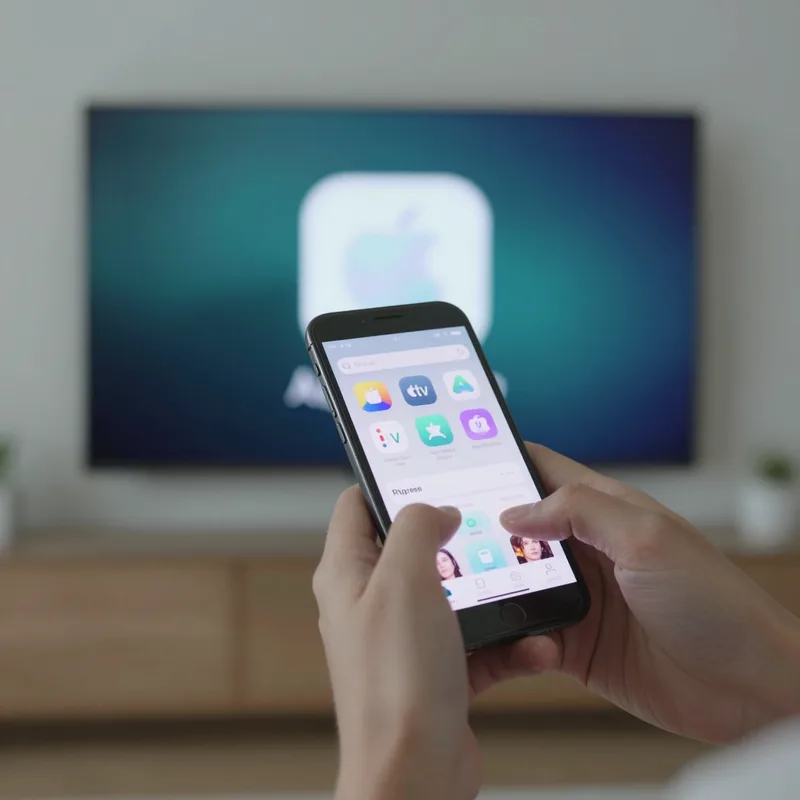
Setting up an IPTV player for Apple TV is straightforward once you know where to look. First, open the App Store directly on your Apple TV — searching from your iPhone and sending it over works too, but doing it natively avoids sync delays. Search for a recognized IPTV player app; some of the most commonly used names in this space include IPTV Smarters, GSE Smart IPTV, and TiviMate (note that TiviMate's Apple TV availability has shifted over time, so check current App Store listings). Download and open the app, then you'll be prompted to enter either an M3U playlist URL or Xtream Codes login credentials — your IPTV subscription provider gives you these details after you sign up. Paste in the URL or credentials exactly as provided, save the connection, and the app will pull in your channel list and program guide. From there, most apps let you organize favourites, set up an EPG (electronic program guide) for a proper live TV feel, and adjust buffering settings if your connection is inconsistent. The whole process usually takes under fifteen minutes, assuming your subscription details are correct and your internet connection is stable.
Reality Check: The Truth About IPTV Services in Canada
Here's where honesty matters most. Legal IPTV Canada options do exist — think of legitimate services that have licensing agreements with broadcasters, similar to how Bell Fibe TV or Telus Optik deliver channels over IP but through authorized deals. These are genuinely IPTV in the technical sense, just branded differently, and they're fully above board. Separately, there's a large grey and black market of unauthorized IPTV subscription Canada resellers offering hundreds of live channels, premium sports, and first-run movies for a flat monthly fee. Many of these operate outside any licensing agreement with the content owners. Canadian authorities and rights holders have pursued legal action against both providers and, in some cases, subscribers of unauthorized IPTV services, and outages are common because these services get shut down or blocked without warning. CNET has covered how streaming piracy crackdowns have intensified as studios and leagues protect their content more aggressively. The honest trade-off is this: legal options cost more and offer fewer channels bundled in one place, but they won't disappear overnight or put you at legal risk. Unauthorized services are cheaper and broader but unreliable and legally murky — that's not fear-mongering, it's just how the market actually works right now.
Beyond the Basics: Making IPTV Work for Your Household
Once you've got a legal IPTV setup running, a few habits make the experience noticeably better. Use a wired ethernet connection to your Apple TV if you're near your router — it removes Wi-Fi as a variable entirely and it's the single best fix for buffering complaints. If your household has multiple people watching different things, check whether your chosen IPTV subscription Canada plan supports multiple simultaneous streams; many cap you at one or two devices, which matters if teenagers and parents want different channels at once. Consider pairing your Apple TV IPTV setup with a mesh Wi-Fi system if your home has dead zones, since a stream that looks fine on a phone in the kitchen can stutter badly on the TV two rooms away. And don't overlook Apple TV's own remote and Siri search — some IPTV apps integrate with Apple's universal search, so you can ask for a show by name instead of digging through menus. TechRadar has published useful comparisons of streaming devices worth checking if you're deciding between Apple TV and rivals like the NVIDIA Shield or Fire TV Stick 4K for this exact purpose — Apple TV's ecosystem lock-in is real, but so is its interface polish and long-term software support.
Final Thoughts: Is IPTV on Apple TV Right for You?
IPTV on Apple TV works well if you go in with realistic expectations and choose a legitimate provider. It's not a magic box that hands you every channel on earth for $15 a month — that promise almost always signals an unauthorized service that could vanish or cause legal headaches. What Apple TV does offer is a clean, App Store-vetted way to run recognized IPTV players, decent hardware that handles 4K streams without choking, and an interface that feels a lot less clunky than jailbroken Android boxes. For cord-cutting Canada households who want live TV without a cable contract, that combination is genuinely worth considering — just budget for a real subscription and treat rock-bottom pricing as a red flag rather than a bargain. If you want to compare more device and service options before committing, this guide to choosing the right IPTV setup is a good next stop.
Can I sideload IPTV apps onto Apple TV like I would on Android?Stay Up to Date
Get the latest IPTV news, channel updates and streaming tips delivered straight to your inbox.