In short: IPTV on Firestick means loading a player app such as TiviMate or IPTV Smarters Pro onto an Amazon Fire TV Stick. This guide lists what you need, how to pick a player, the install steps and the legal side of IPTV in Canada.
iptv on firestick is the process of loading an IPTV player app — like Tivimate or IPTV Smarters Pro — onto an Amazon Fire TV Stick so you can watch live TV channels, sports, and on-demand content through an internet connection instead of cable. I've set this up on probably a dozen Firesticks for family members across Ontario and Alberta, and the honest truth is it takes about 15 minutes once you know where the buttons are. The tricky part isn't the tech. It's figuring out which app to trust and which IPTV service actually delivers channels that don't freeze during the third period of a Leafs game.
| Device / App | Setup Time | Price (CAD) | Best For |
|---|---|---|---|
| Fire TV Stick 4K | 10 min out of box | $64.99 | Most Canadian households |
| Fire TV Stick 4K Max | 10 min | $79.99 | Faster wifi, better for 4K IPTV streams |
| Tivimate (free tier) | 5 min once Downloader is set | Free / $6.99 lifetime pro | Users who want EPG grids and multi-screen |
| IPTV Smarters Pro | 5 min | Free | Beginners, simplest interface |
| Downloader app | 2 min | Free | Sideloading any IPTV player |
Getting Started: What You'll Need for IPTV on Firestick
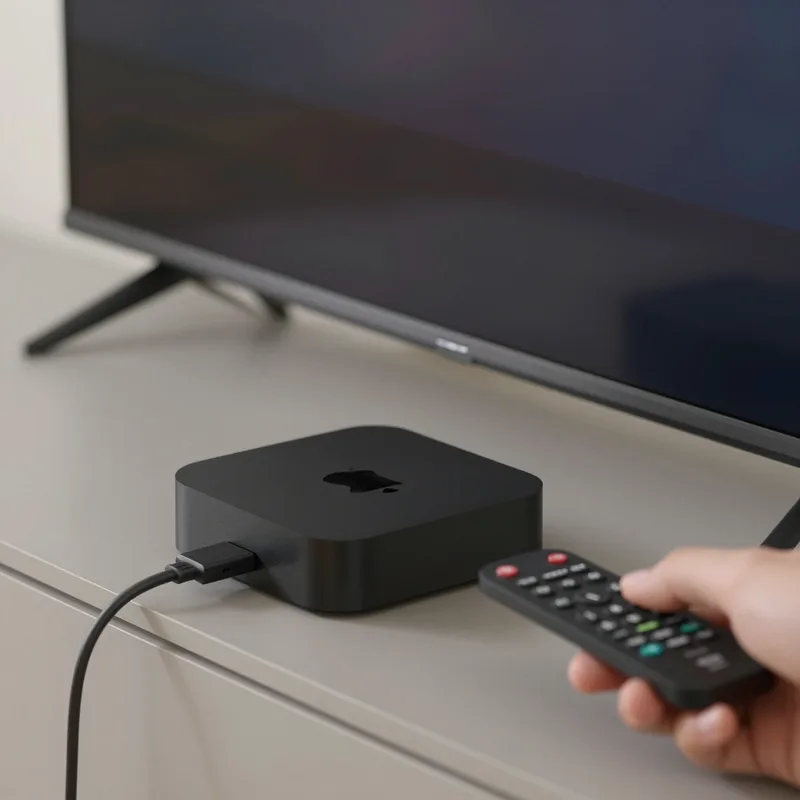
Before you touch a single app, get three things sorted. First, a Fire TV Stick — the 4K or 4K Max model, not the old HD stick that struggles with modern IPTV apps Firestick Canada users rely on. Second, a stable internet connection; I'd say 25 Mbps download is the realistic floor if two people in the house might be streaming at once. I've tried running IPTV on 10 Mbps rural internet and it's a slideshow during hockey highlights. Third, and this is the part people skip, an active IPTV subscription from a legitimate provider. The app is just the window — the subscription is what actually feeds it channels. Without one, you've got a very nice looking empty box.
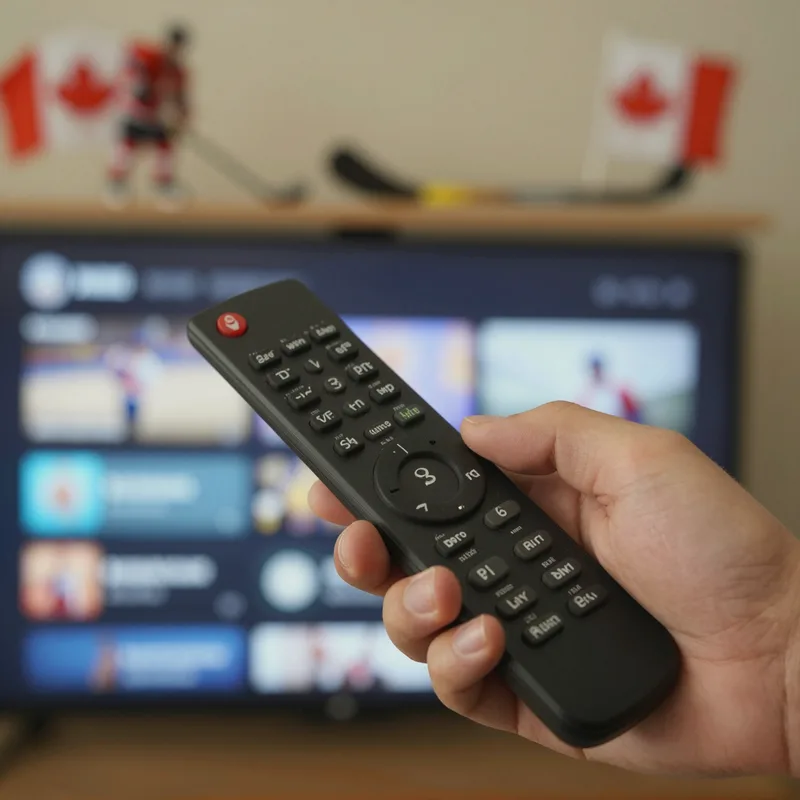
Picking Your IPTV Player: Our Top Canadian-Friendly Choices
There are dozens of IPTV players in the Amazon store and sideloaded from outside it, but two stand out as the best IPTV player Firestick options for anyone in Canada. Tivimate Firestick Canada users swear by it for a reason — the electronic program guide looks like real cable, you can favourite channels, and multi-screen mode lets you watch two games at once, which matters a lot during Saturday afternoon NFL windows. The free version covers most needs; the $6.99 lifetime premium unlock adds catch-up TV and nicer EPG styling. IPTV Smarters Pro Firestick is the other heavyweight, and honestly it's the one I set up for less tech-savvy relatives because the interface is dead simple: enter your provider's M3U link or Xtream Codes login, hit connect, done. It doesn't have Tivimate's polish but it rarely crashes. I've also tested Perfect Player and OTT Navigator, and while they work, neither has the community support or update frequency of the top two — if something breaks, you'll find a fix for Tivimate on a forum in minutes, not so much for the smaller apps.
Your Step-by-Step Guide to Installing IPTV on Firestick
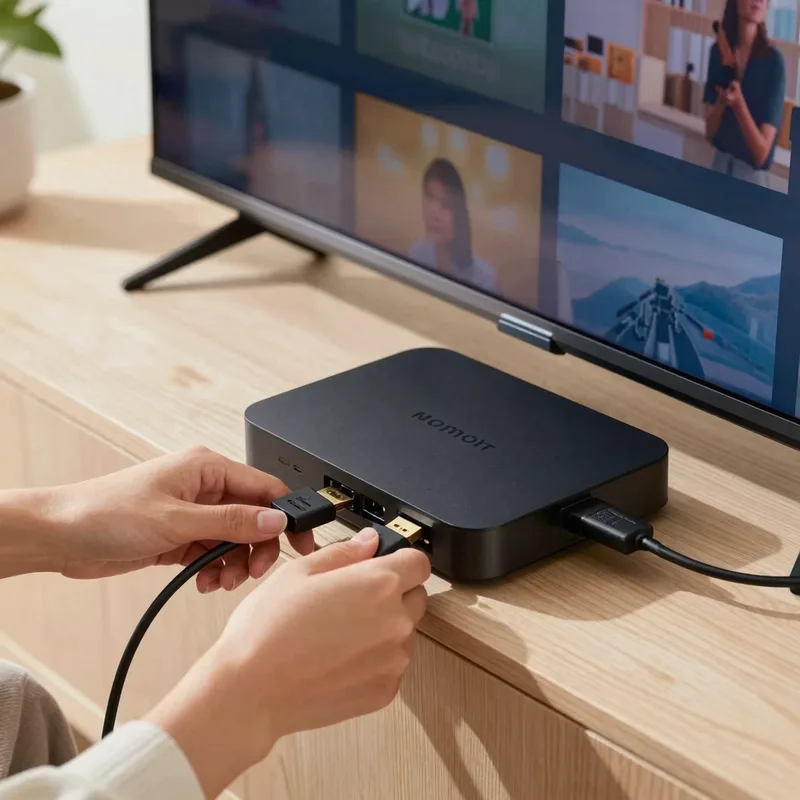
Here's the actual Firestick IPTV setup guide, no skipped steps. On your Fire TV home screen, go to Settings, then My Fire TV, then Developer Options, and turn on Apps from Unknown Sources — this lets you install apps that aren't in the Amazon store. Next, go back to the home screen and search the Amazon store for "Downloader," install it, open it. Inside Downloader, click the URL bar and type get.tivimate.com, then hit Go — this downloads and installs Tivimate directly. If you'd rather use IPTV Smarters Pro, it's actually available right in the Amazon app store, so just search for it and install normally, no Downloader needed. Once installed, open the app and add your playlist: Tivimate will ask for an M3U URL from your provider, while Smarters Pro asks for either an M3U link or your Xtream Codes username, password, and server URL. Paste it in, let the app load the channel list (this can take 30 seconds to 2 minutes depending on how many channels your provider carries), and you're live. If you want a broader look at reliable providers before you commit to one, our breakdown of trusted IPTV services for Canadian streamers is worth a read first — picking the wrong provider is the single biggest reason people think "IPTV doesn't work."
When choosing an IPTV app, consider what features matter most to you. Some apps offer advanced recording capabilities, while others focus on a simple, intuitive interface. Think about how you plan to use IPTV and what kind of viewing experience you prefer. Both Tivimate and IPTV Smarters Pro are popular choices for good reason, but exploring their specific functionalities can help you decide which one aligns best with your streaming habits.

Real Talk: The Legal Side of IPTV in Canada
This is where I have to be blunt. IPTV itself is completely legal — it's just a delivery method, the same tech Bell and Rogers use for their own streaming apps. What matters is the content behind it. Legal IPTV Canada services license their channels properly; the shady $10-a-month packages promising every NHL and NFL game plus every premium movie channel for pennies are almost never operating with proper licensing, and Canadian courts have already sided with rightsholders against several such resellers. I'm not going to pretend there's zero risk using an unlicensed service — there's a reason some of these "deals" undercut Bell Fibe by 90%. My honest advice: treat suspiciously cheap, all-you-can-eat IPTV bundles the same way you'd treat a Rolex sold out of a van. If it seems too good, it probably is. TechRadar's streaming coverage and CNET's tech services section both regularly flag which providers are operating on solid legal ground versus which ones are one lawsuit away from disappearing with your prepaid year of service.
Beyond the Basics: Making the Most of IPTV for Canadian Sports Fans
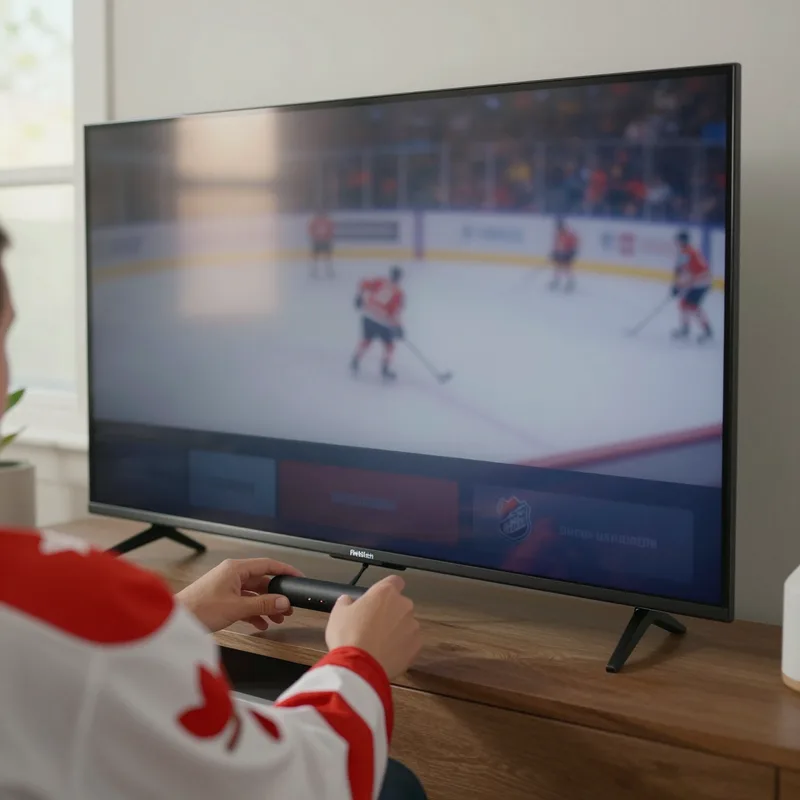
Once your setup is running, sports is where IPTV actually earns its keep for Canadian households. NHL on IPTV Firestick setups can pull in out-of-market games that Sportsnet blackouts would normally block on cable, though you still need a legitimate sports package feeding your provider — this isn't a blackout workaround trick, it's just a different pipe carrying licensed content. Same goes for NFL on IPTV Firestick users chasing Sunday Ticket-style access without the $400 NFL+ Premium price tag; a good IPTV provider bundles RedZone and out-of-market games into a monthly plan that often runs $20-35 CAD, a fraction of the direct cost. My personal setup uses Tivimate's multi-screen so I can watch the Oilers and catch NFL RedZone in a picture-in-picture window — something no traditional cable box in Canada lets you do without paying for two separate boxes. The trade-off is real, though: IPTV quality depends entirely on your provider's servers, and during marquee events like the Super Bowl or a Stanley Cup Final, I've seen even good providers stutter under server load. Cable doesn't have that problem. That's the honest downside — you're trading guaranteed reliability for flexibility and cost savings, and most weeks that trade is worth it.
Do I need a VPN for IPTV on Firestick in Canada?Stay Up to Date
Get the latest IPTV news, channel updates and streaming tips delivered straight to your inbox.