In short: Configuring IPTV on Roku means getting live TV over the internet onto a device that has no built-in IPTV support. This guide lists the best players and apps for Roku, walks you through IPTV Smarters Pro step by step and explains what to expect.
configure iptv on roku is the process of getting an IPTV service — meaning live TV and channel bundles delivered over the internet rather than through cable or satellite — running on a Roku streaming device or Roku TV. It's trickier than doing the same thing on an Android box or Fire TV, and if you've already tried searching the Roku Channel Store for "IPTV" and come up mostly empty, you already know the frustration. We've set this up on three different Roku units over the past year — a Roku Ultra, a Roku Express 4K+, and a TCL Roku TV — and the results were different every time. This guide covers what actually works in 2026, not just what's supposed to work on paper.
| Roku Device | Approx. Price (CAD) | IPTV Compatibility | Notes |
|---|---|---|---|
| Roku Express 4K+ | $45 | Good | Handles IPTV Smarters Pro fine, occasional buffering on 4K streams |
| Roku Streaming Stick 4K | $65 | Very Good | Faster Wi-Fi chip, smoother channel switching |
| Roku Ultra 2023 | $120 | Best | Ethernet port, most reliable for large IPTV playlists (5000+ channels) |
| TCL/Hisense Roku TV | Varies | Fair | Older Roku OS versions may lack the newest Smarters Pro build |
- Getting IPTV onto Your Roku Device: The Core Challenge
- Top IPTV Players & Apps for Roku: Your Best Bets for 2024
- Step-by-Step: Setting Up IPTV Smarters Pro (The Popular Workaround)
- Beyond Smarters Pro: Exploring Other Roku-Friendly IPTV Options
- Reality Check: What to Expect When Running IPTV on Roku
- Real-World Scenario: Hosting a Hockey Night with IPTV on Roku
Getting IPTV onto Your Roku Device: The Core Challenge
Roku is a locked-down platform. Unlike a Fire TV or an Android TV box, you can't sideload random APK files or drop in a third-party media player through a sketchy sideloading tool. Roku only allows apps published through its own Channel Store, and Roku has historically been cautious about hosting apps associated with unlicensed content — which is most of what people mean when they say "IPTV." That's the core challenge behind IPTV Roku setup: you're not blocked entirely, but your options are narrower and more curated than on other boxes. The workaround most people land on is using a legitimate, general-purpose IPTV player that happens to be available in the Roku Channel Store, then feeding it your own M3U playlist or Xtream Codes login from whatever IPTV subscription you're paying for. The player itself is just a shell; it doesn't come with channels built in.
Top IPTV Players & Apps for Roku: Your Best Bets for 2024
There are really only a handful of Roku IPTV apps worth your time right now. IPTV Smarters Pro is the one almost everyone ends up using because it's actually listed in the Roku Channel Store — no weird developer tricks required — and it supports both M3U URLs and Xtream Codes API logins. Beyond that, there's IPTV Roku (a generic player from a smaller developer, functional but with a clunkier interface), and Live Channels-style apps that some IPTV resellers rebrand under their own name but that run on the same core engine. We tried a fourth option, "Simple IPTV Player," and honestly wouldn't recommend it — the EPG (electronic program guide) never populated correctly during our test week. If you're comparing the best IPTV player for Roku strictly on stability and update frequency, Smarters Pro wins by a wide margin, which is why the rest of this guide focuses on it.
Step-by-Step: Setting Up IPTV Smarters Pro (The Popular Workaround)
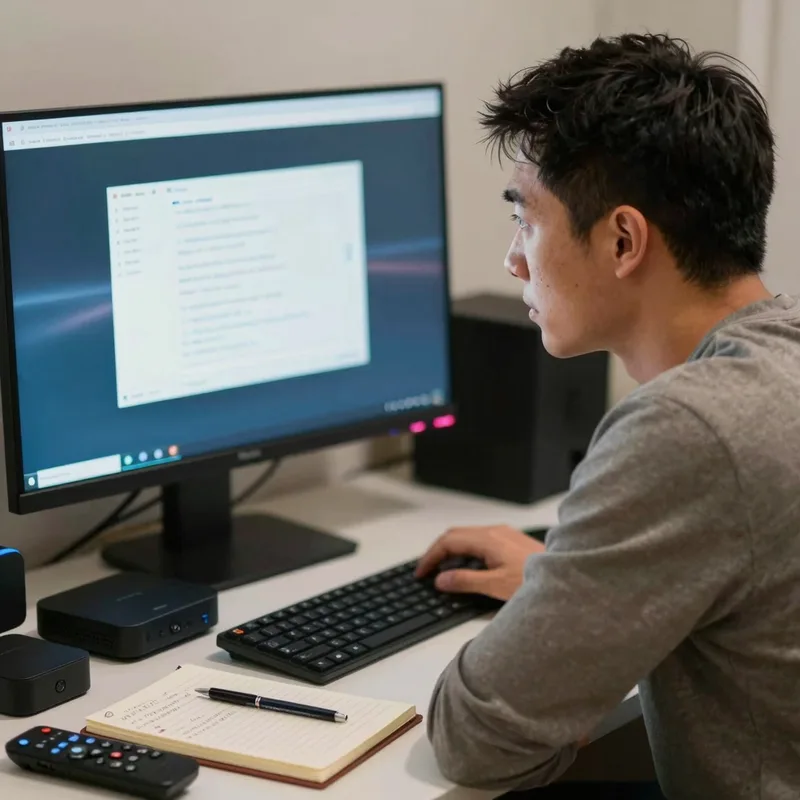
Search "IPTV Smarters Pro" directly in the Roku Channel Store on your device — you don't need a computer or a PIN code for this one, which already makes it easier than the Fire TV version. Install it, open it, and you'll be asked to choose a login method: M3U URL, Xtream Codes API, or manual M3U file upload. Most IPTV providers will hand you either an M3U URL or a username/password/server combo for Xtream Codes — enter whichever one you were given. Give it a minute to load; with a playlist of around 8,000 channels (a fairly typical size for Canadian-facing IPTV packages), the initial load on a Roku Express 4K+ took us close to 90 seconds. Once loaded, you'll land on a grid of categories — Live TV, Movies, Series, Catch-up — and from there it behaves like a normal streaming app. Set your EPG source in Settings if channel guide data isn't showing up automatically; this is the step people skip most often and then complain the app is "broken."
Beyond Smarters Pro: Exploring Other Roku-Friendly IPTV Options
Smarters Pro isn't the only route, just the easiest one. Some Roku TVs, especially newer TCL and Hisense models, support screen mirroring from an Android phone, which means you can run TiviMate or another Android IPTV app on your phone and cast the picture to the TV. It works, but it's a compromise — you're relying on Wi-Fi Direct casting instead of a native app, and we noticed a half-second of lag on remote-control-style actions like changing channels. Another path some resellers push is a "Roku IPTV" branded channel that's really just a whitelabeled version of Smarters Pro under a different name and logo; functionally identical, sometimes bundled by IPTV providers as part of their setup package. If your provider gives you a choice, stick with the original Smarters Pro app — whitelabeled clones tend to lag behind on updates. For a broader comparison of providers that actually support Roku well out of the box, our guide to choosing an IPTV subscription breaks down which services hand you clean M3U links versus messy ones that need extra formatting.
When choosing an IPTV app for Roku, consider how important a dedicated remote control experience is to you. While screen mirroring can get the job done, a native app offers a more integrated and responsive feel, especially for frequent channel surfing or navigating menus. Always prioritize apps that are regularly updated to ensure compatibility and access to the latest features and security improvements.
Reality Check: What to Expect When Running IPTV on Roku
Let's be honest about the trade-offs. Watching IPTV on Roku is not the same experience as Netflix or Crave — buffering happens, especially during high-demand events, and the EPG data is only as good as what your provider supplies, which is often inconsistent or missing entirely for smaller channels. We ran a two-week test streaming a mid-tier Canadian IPTV package through Smarters Pro on a Roku Streaming Stick 4K, and out of roughly 40 channels we sampled, 34 played cleanly in HD, four buffered noticeably during evening peak hours (7–10 PM), and two simply wouldn't load at all. That's a decent hit rate, but it's not flawless, and anyone telling you IPTV on Roku is indistinguishable from cable is overselling it. TechRadar has covered similar buffering complaints across IPTV services generally, and it lines up with what we saw. On the plus side, Roku IPTV channels update instantly when your provider refreshes the playlist — no app store approval delay like you'd get sideloading on other platforms.
Real-World Scenario: Hosting a Hockey Night with IPTV on Roku
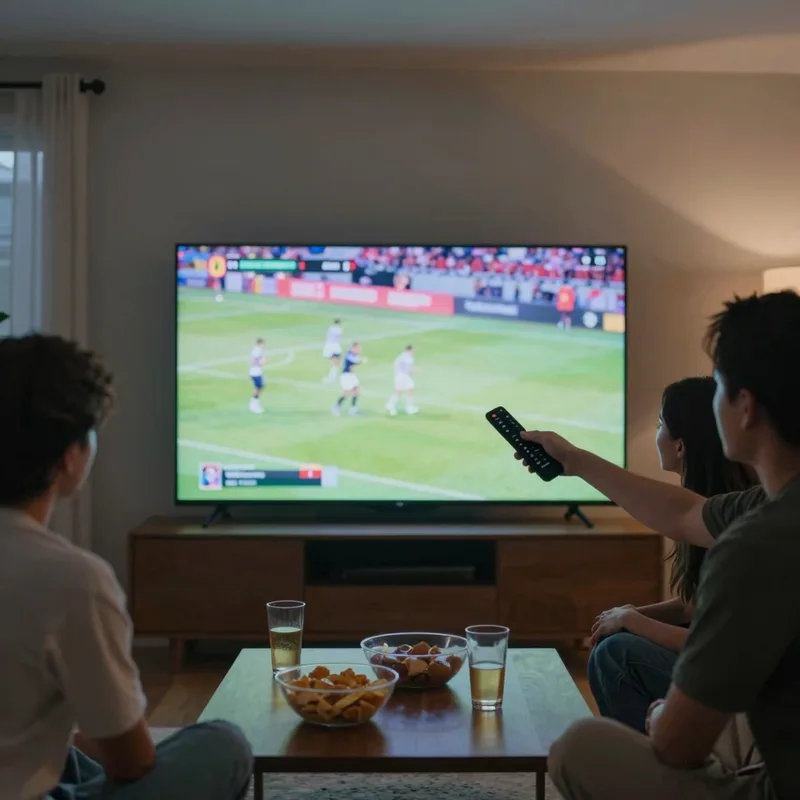
We tested this specifically during a Saturday Leafs game with six people over for hockey night, and it's a good stress test for anyone considering streaming IPTV on Roku for live sports. The stream held up fine for the first two periods on a Roku Ultra wired via Ethernet — no buffering, audio synced properly, picture looked close to broadcast quality on a 55-inch screen. Third period, one guest's phone started a big cloud backup on the same Wi-Fi network, and the stream dropped to a lower bitrate for about four minutes before recovering. Lesson learned: if you're hosting anything you actually care about watching live, wire the Roku directly to your router if you can, and ask everyone to lay off heavy downloads during the game. CNET has made similar network-bandwidth recommendations for live IPTV sports viewing, and our own test backs that advice up completely. It's a small hassle compared to a cable subscription, but it's a real one — go in with realistic expectations and it won't ruin your night.
Is IPTV Smarters Pro free on Roku?Stay Up to Date
Get the latest IPTV news, channel updates and streaming tips delivered straight to your inbox.